.thumb.png.a2fb34acb3a6ff77da93372c08dc9999.png)
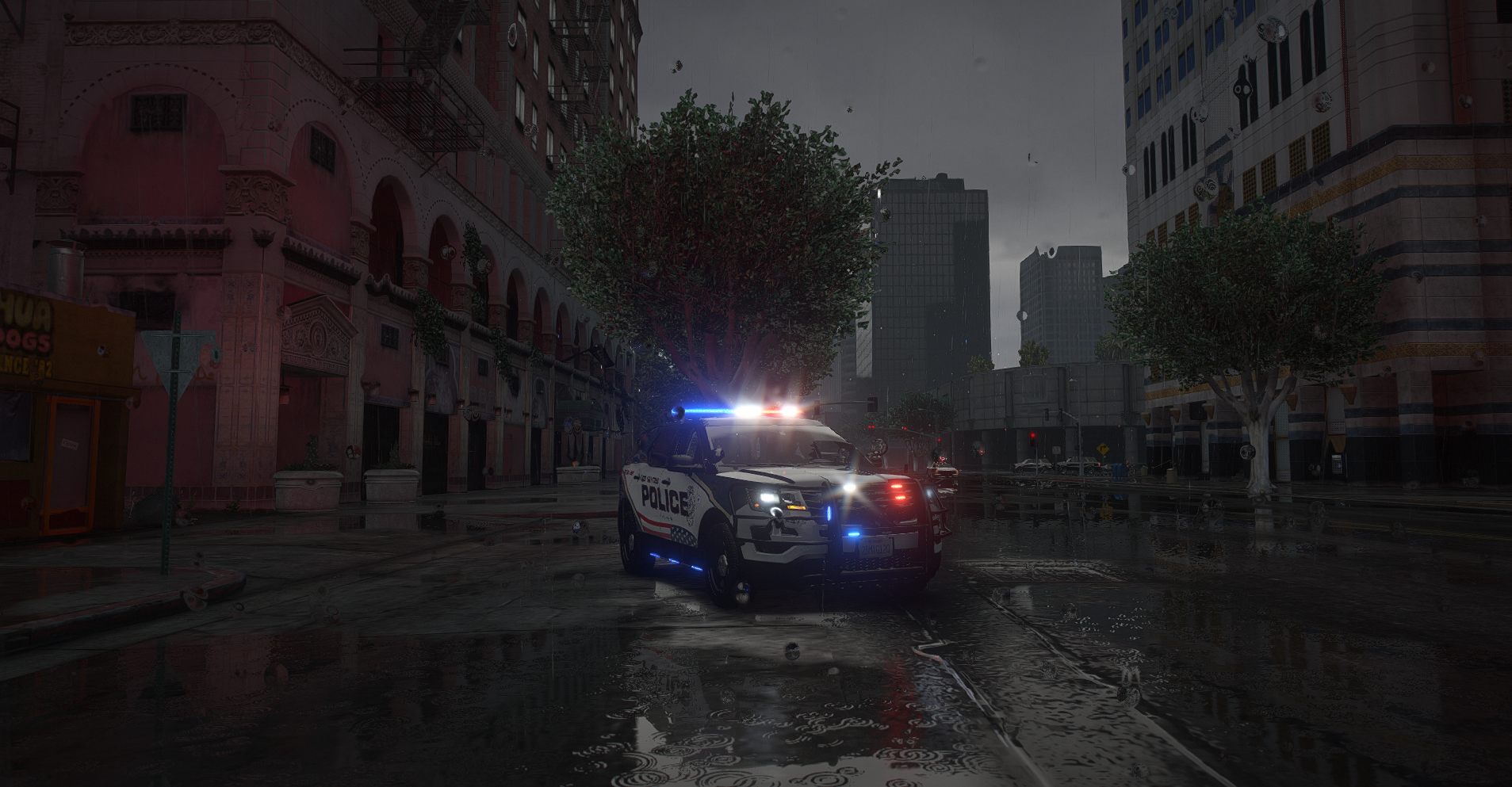
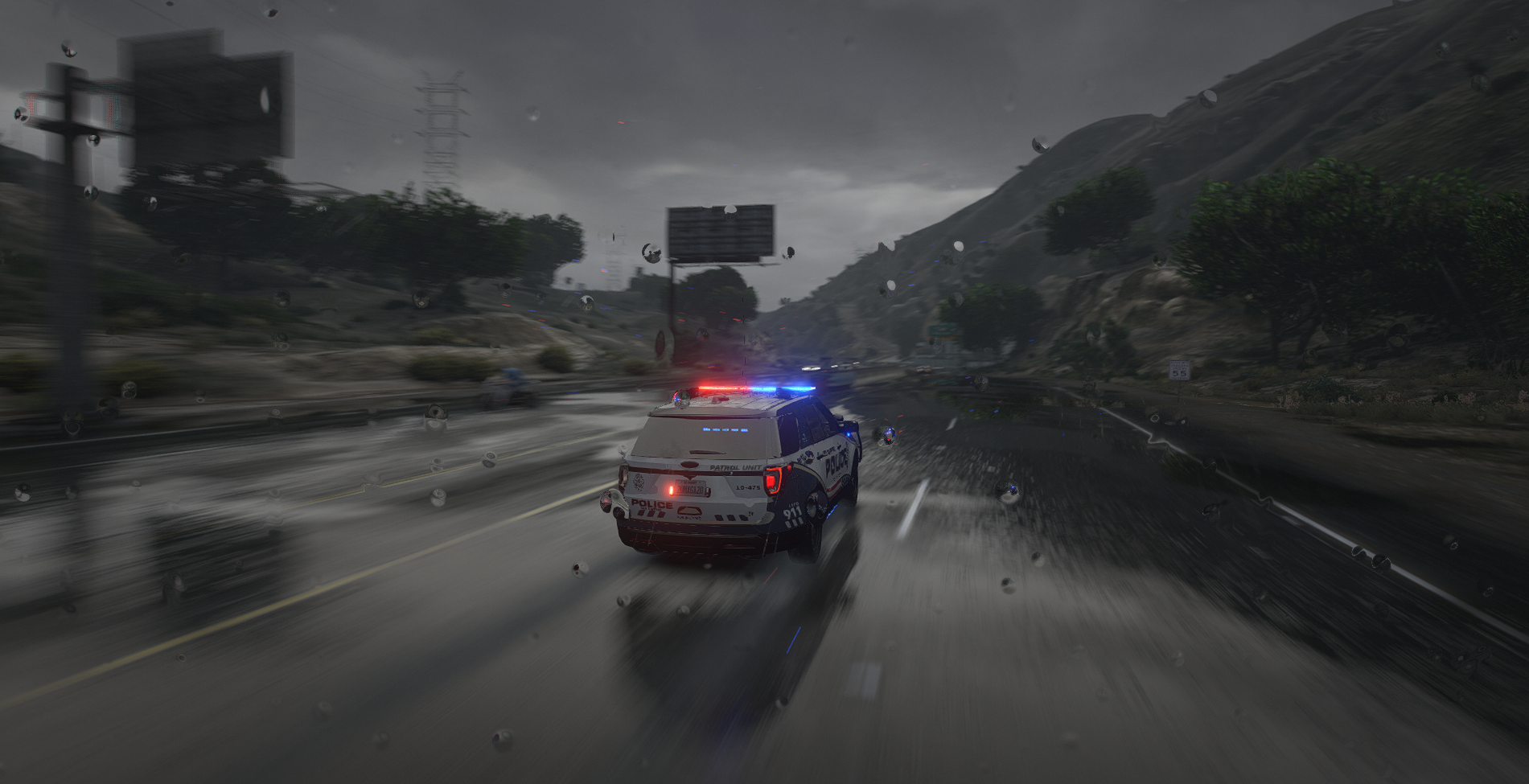
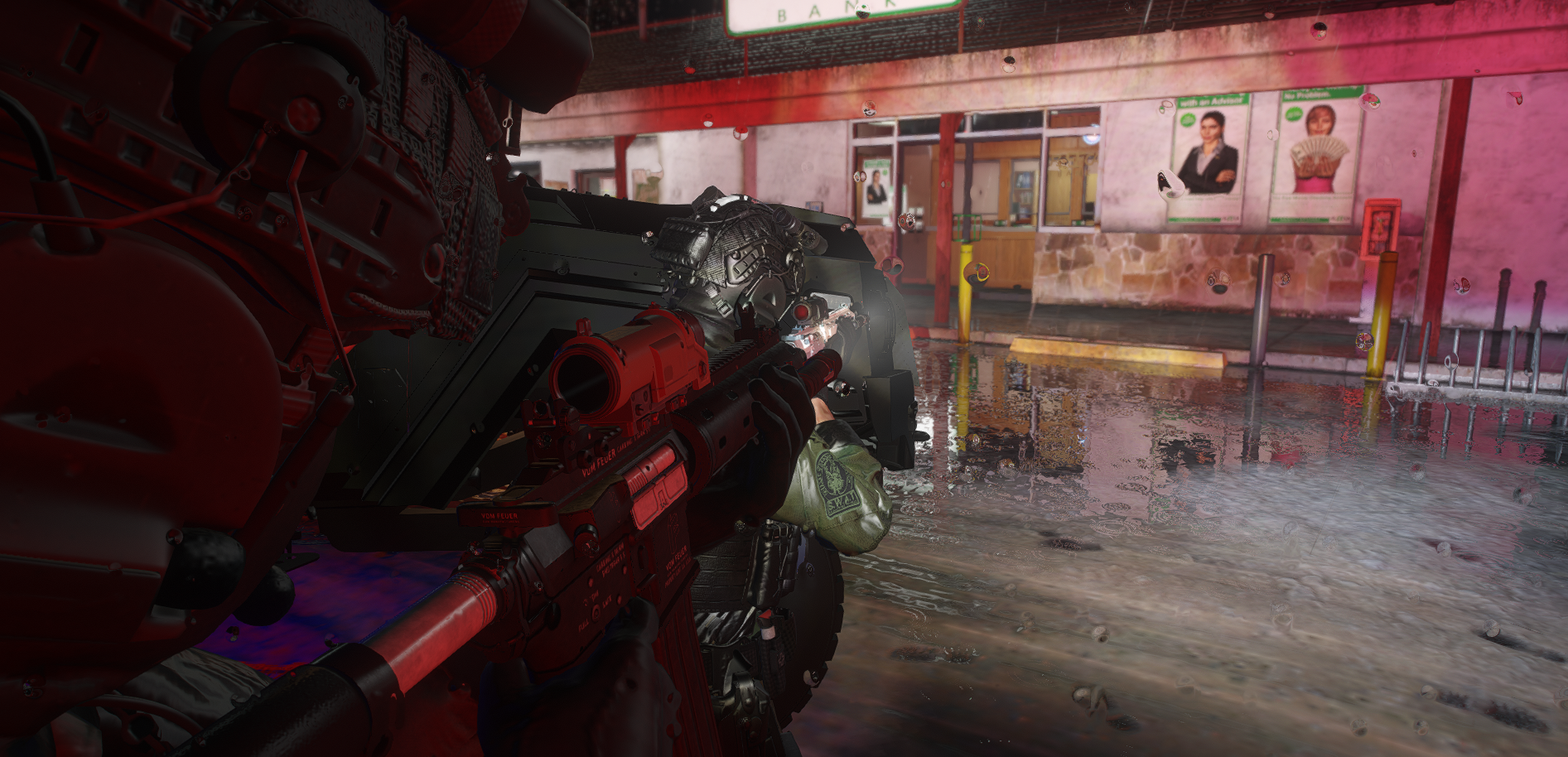
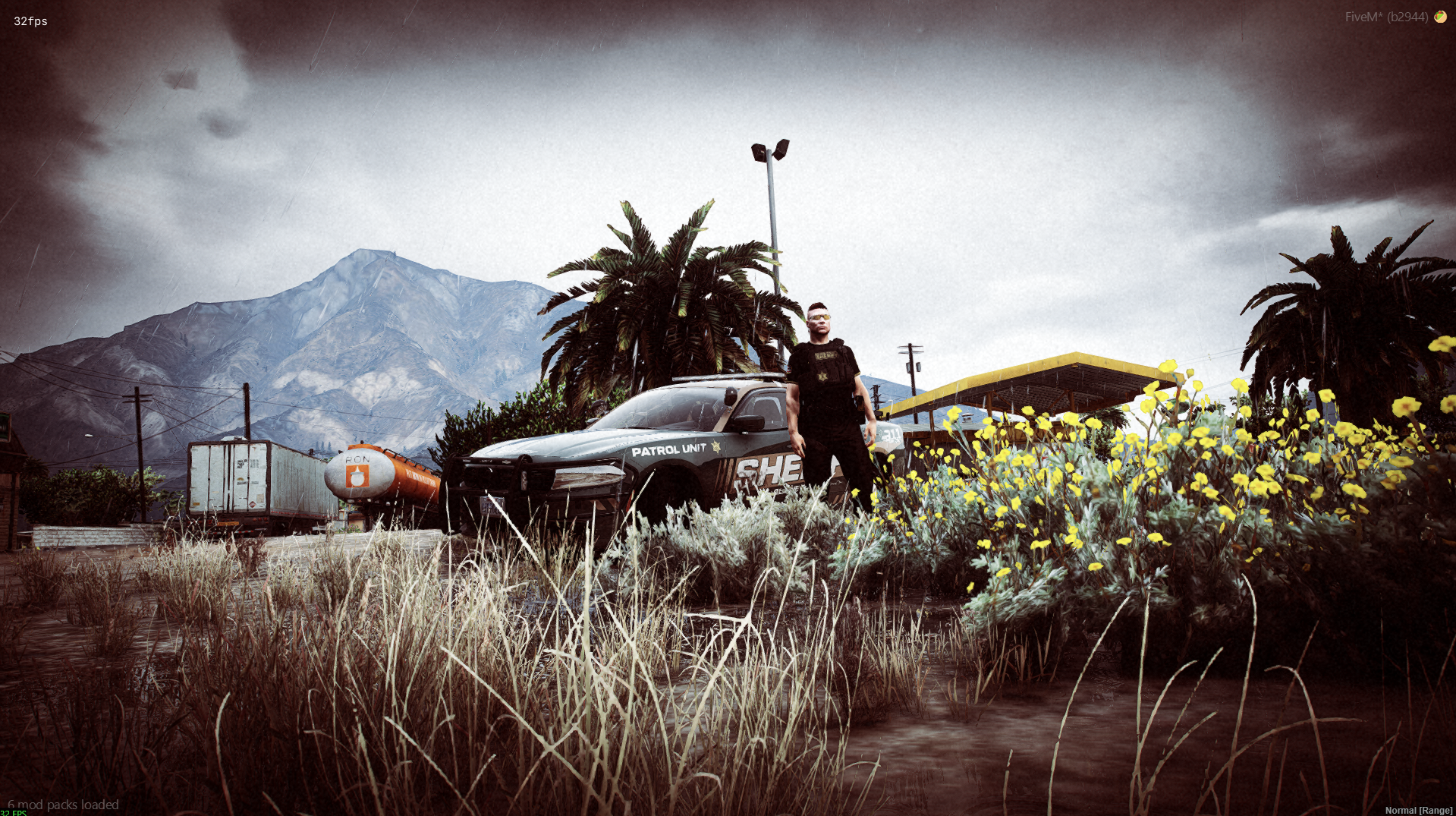
Southside Roleplay is a vMenu-based FiveM community dedicated to delivering a high-quality, immersive, and inclusive roleplay experience for everyone. Built around the idea that roleplay should be engaging and straightforward, our server removes unnecessary barriers such as CAD and MDT systems, allowing players to focus purely on storytelling and interaction. With a custom-built framework designed to enhance gameplay rather than complicate it, Southside ensures smooth performance, easy character management, and a seamless in-game experience.
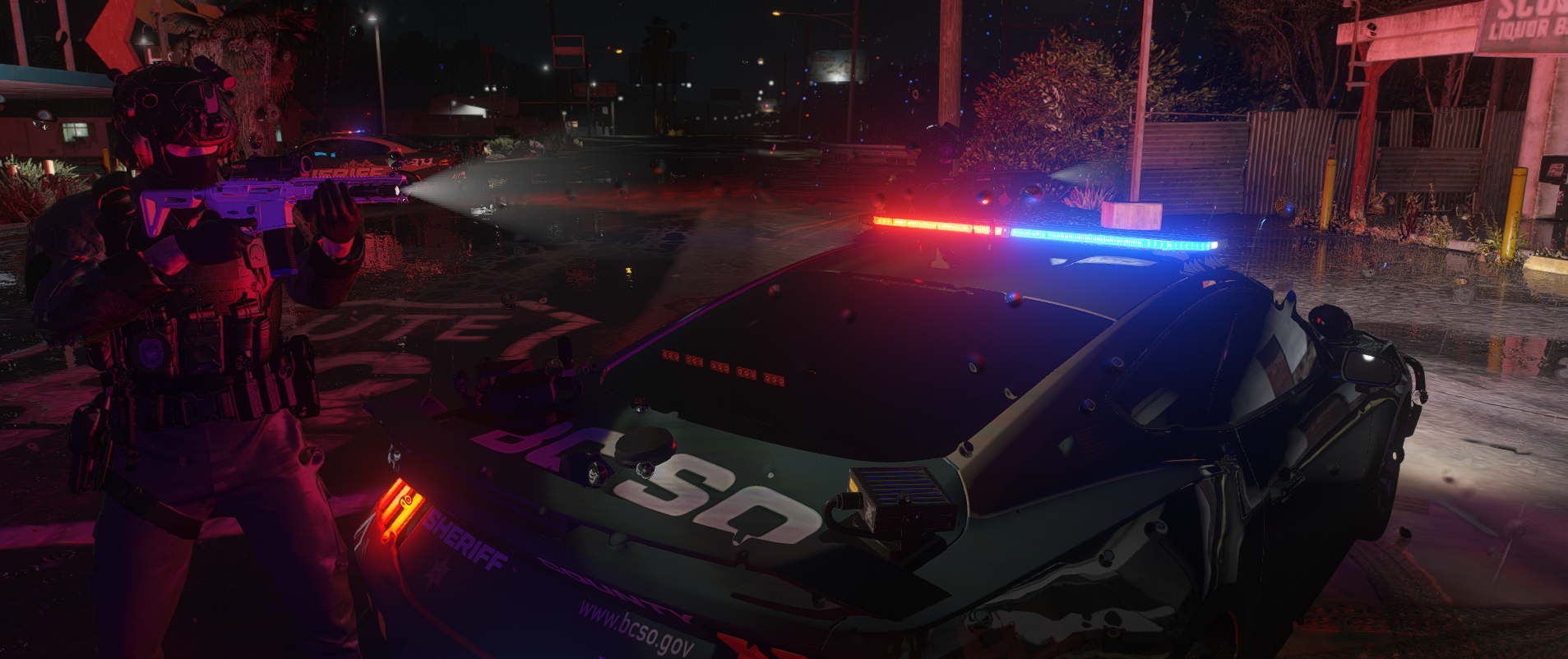
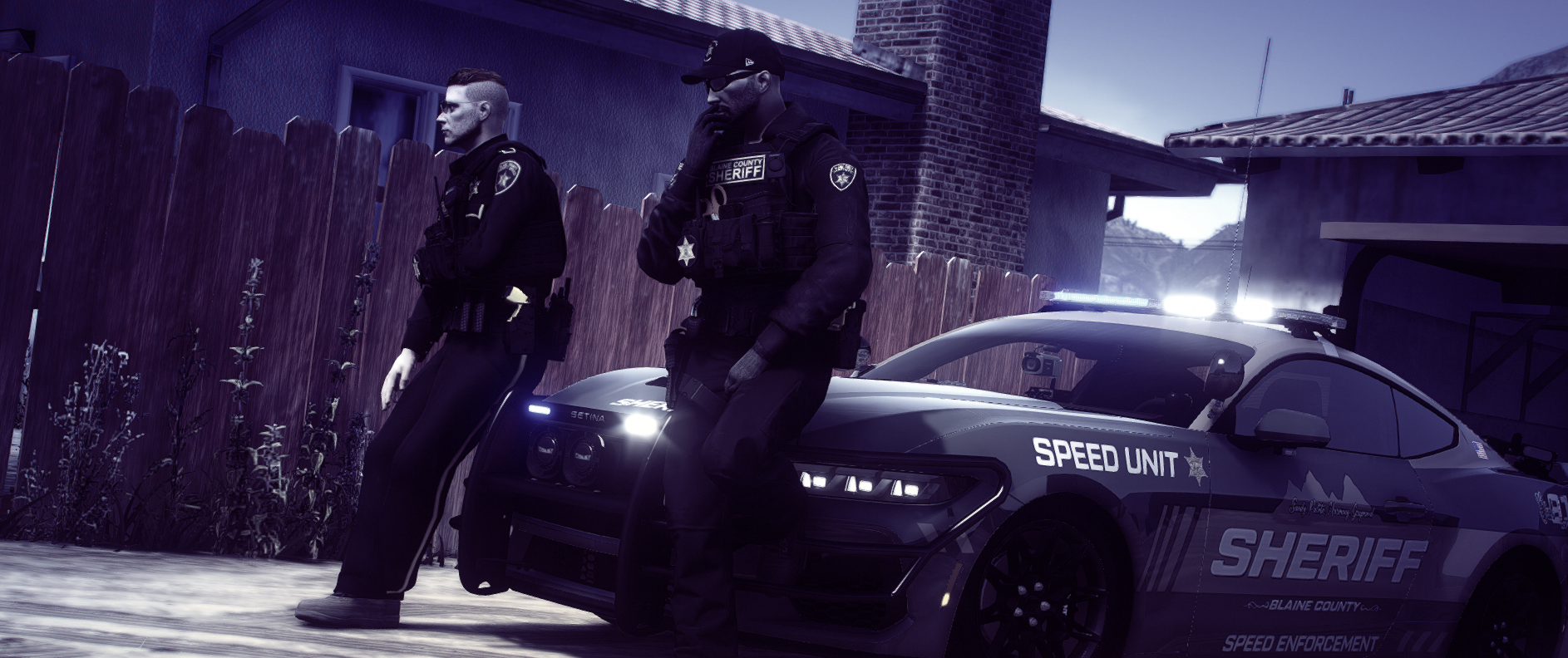
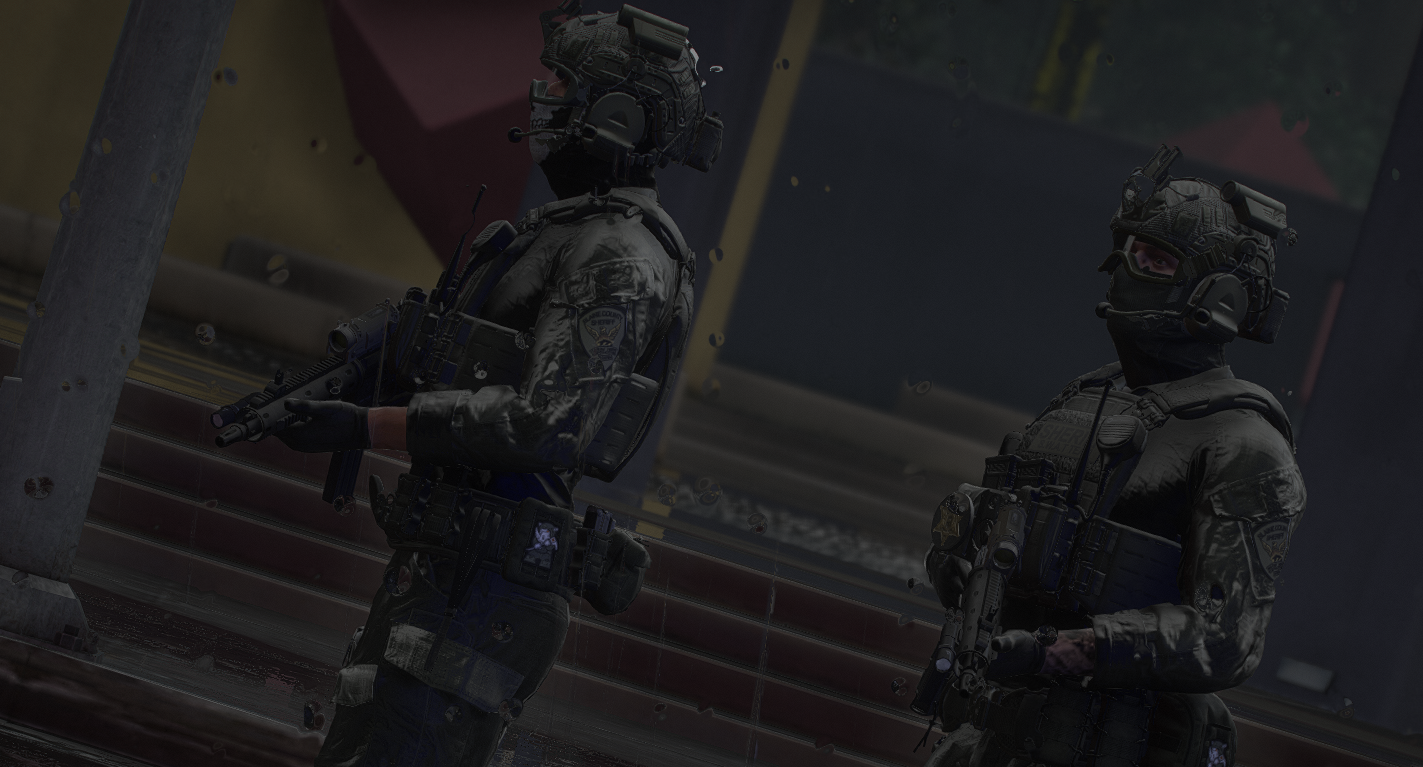
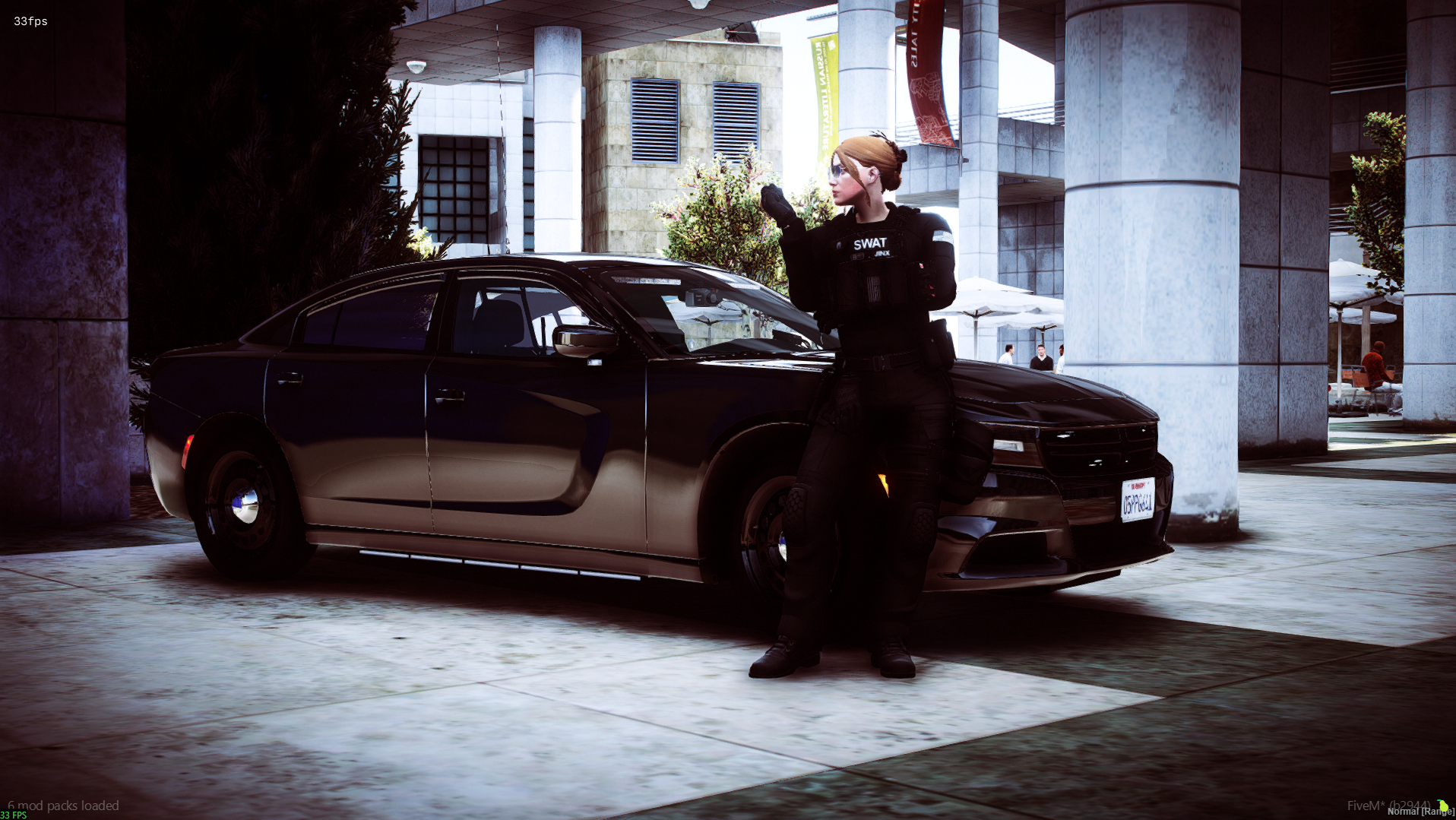
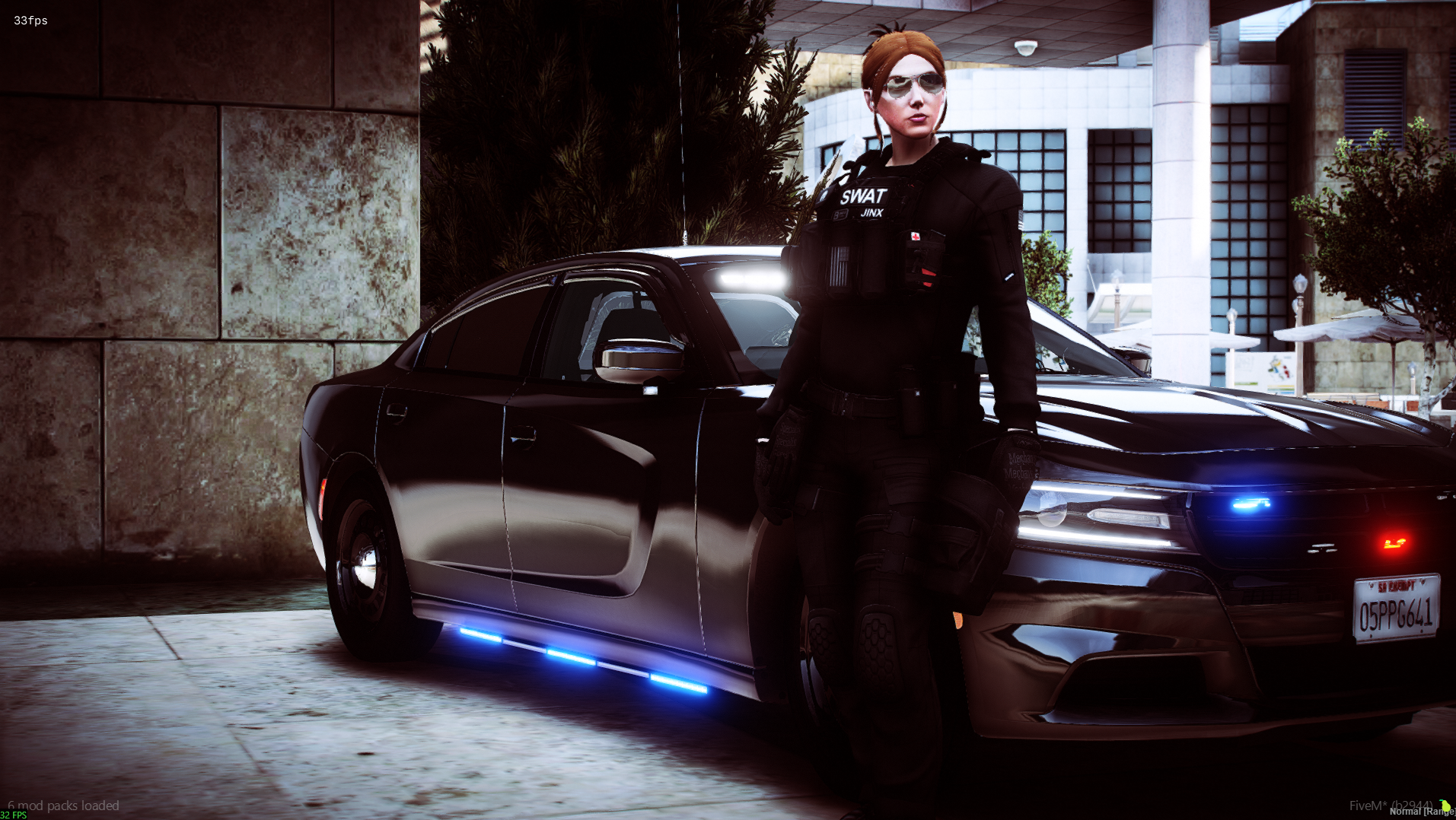
We pride ourselves on being a dyslexia-friendly and accessible community, offering additional support for players with unique needs—including verbal interviews as an alternative to traditional written applications. Whether your passion lies in law enforcement with SAST or BCSO, saving lives as part of SAFR, or shaping the future of the community on our staff team, there’s a place for you here.
Our active and approachable staff team works hard to maintain a safe, respectful, and enjoyable environment, with reliable infrastructure that ensures consistent uptime and performance. As a growing semi-serious roleplay community, we’re constantly seeking dedicated and experienced individuals to join our ranks, take on leadership roles, and help create unforgettable stories.
Southside Roleplay offers limitless opportunities for creativity, collaboration, and character development — all in one dynamic and welcoming community.