Jump to content
View in the app

A better way to browse. Learn more.

Southside Roleplay

A full-screen app on your home screen with push notifications, badges and more.

To install this app on iOS and iPadOS
  1. Tap the Share icon in Safari
  2. Scroll the menu and tap Add to Home Screen.
  3. Tap Add in the top-right corner.
To install this app on Android
  1. Tap the 3-dot menu (⋮) in the top-right corner of the browser.
  2. Tap Add to Home screen or Install app.
  3. Confirm by tapping Install.

PLEASE READ BEFORE MAKING A PURCHASE

Due to some issues with the Discord API/Framework, purchases do NOT automatically apply discord roles to grant the assets you purchase. Southside Roleplay is not responsible for your ignorance, please make sure you keep your Transaction ID handy. You may find the Transaction ID on your invoice/receipt.

You need to make a ticket in our discord server to claim your purchase.

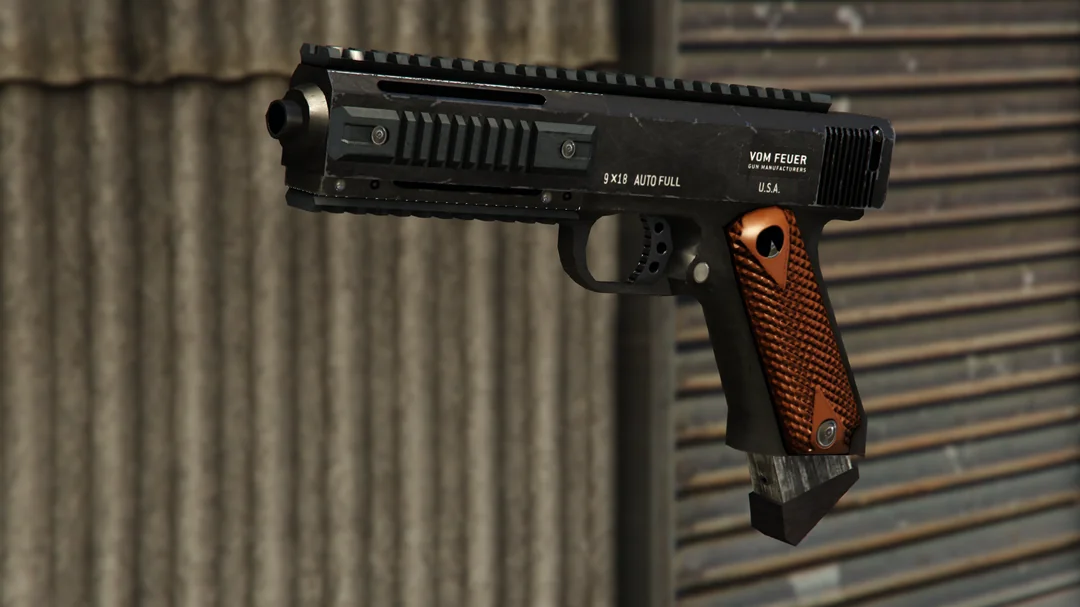
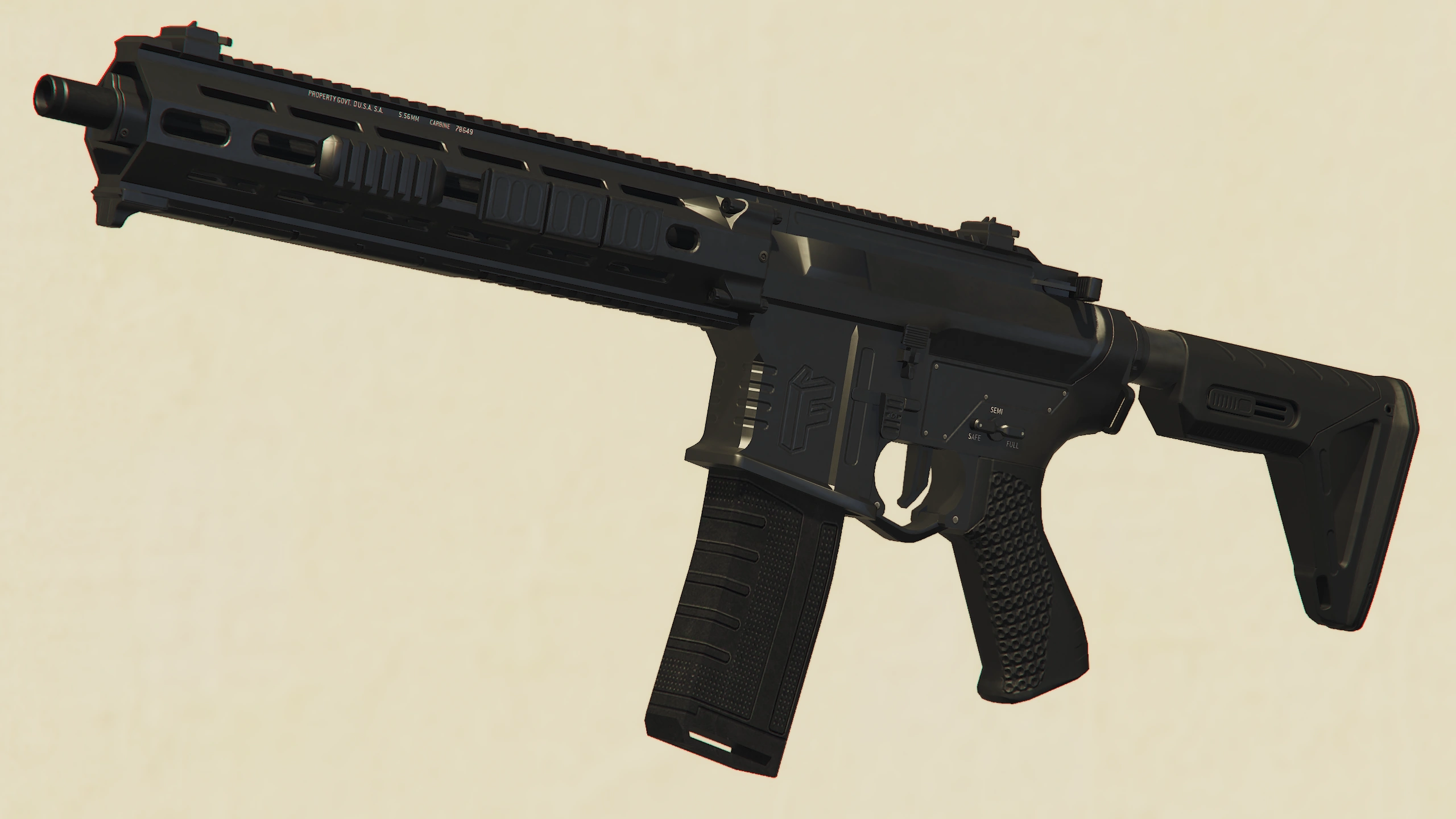
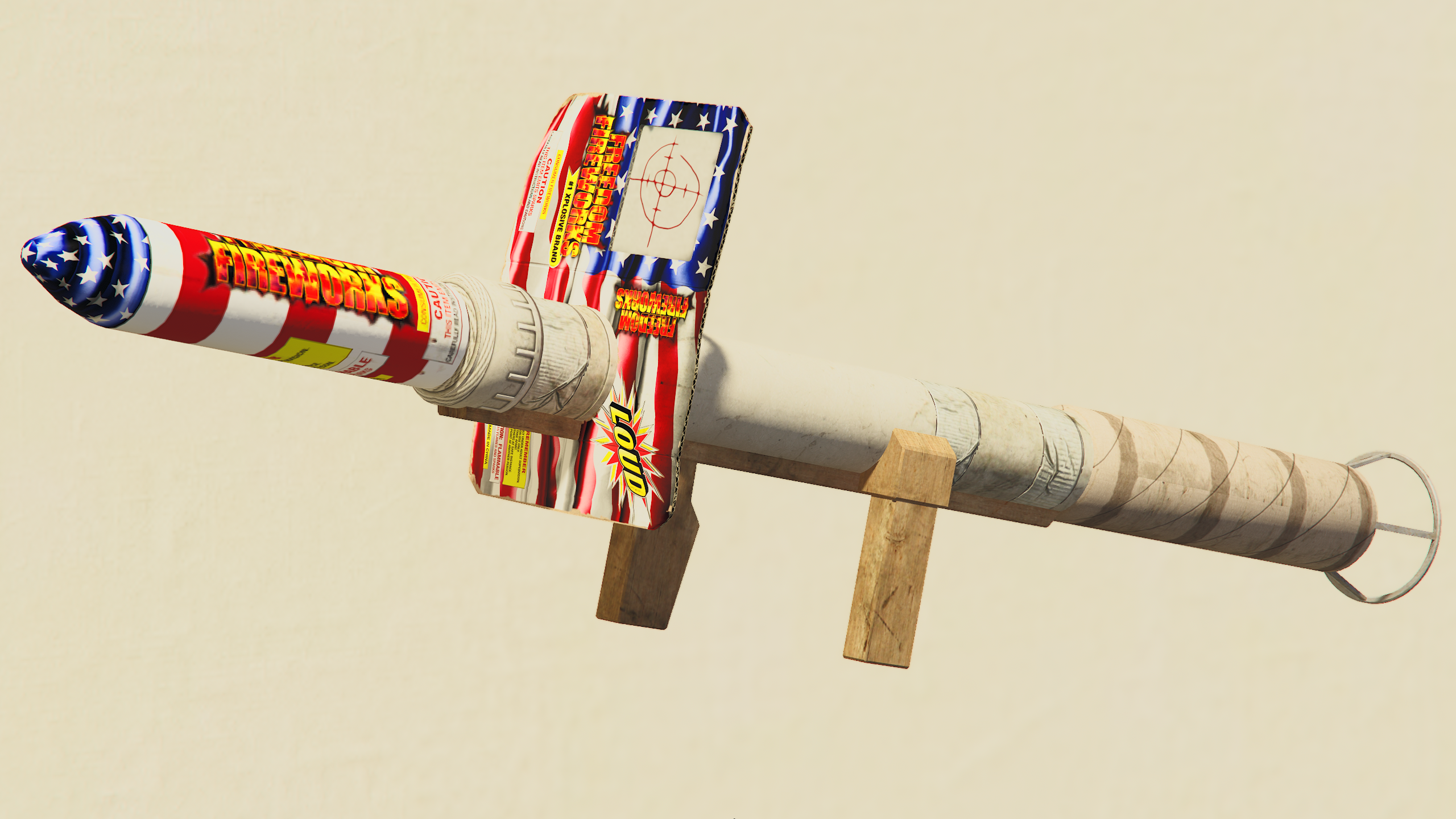
Weapon Access Passes

Configure browser push notifications

Chrome (Android)
  1. Tap the lock icon next to the address bar.
  2. Tap Permissions → Notifications.
  3. Adjust your preference.
Chrome (Desktop)
  1. Click the padlock icon in the address bar.
  2. Select Site settings.
  3. Find Notifications and adjust your preference.