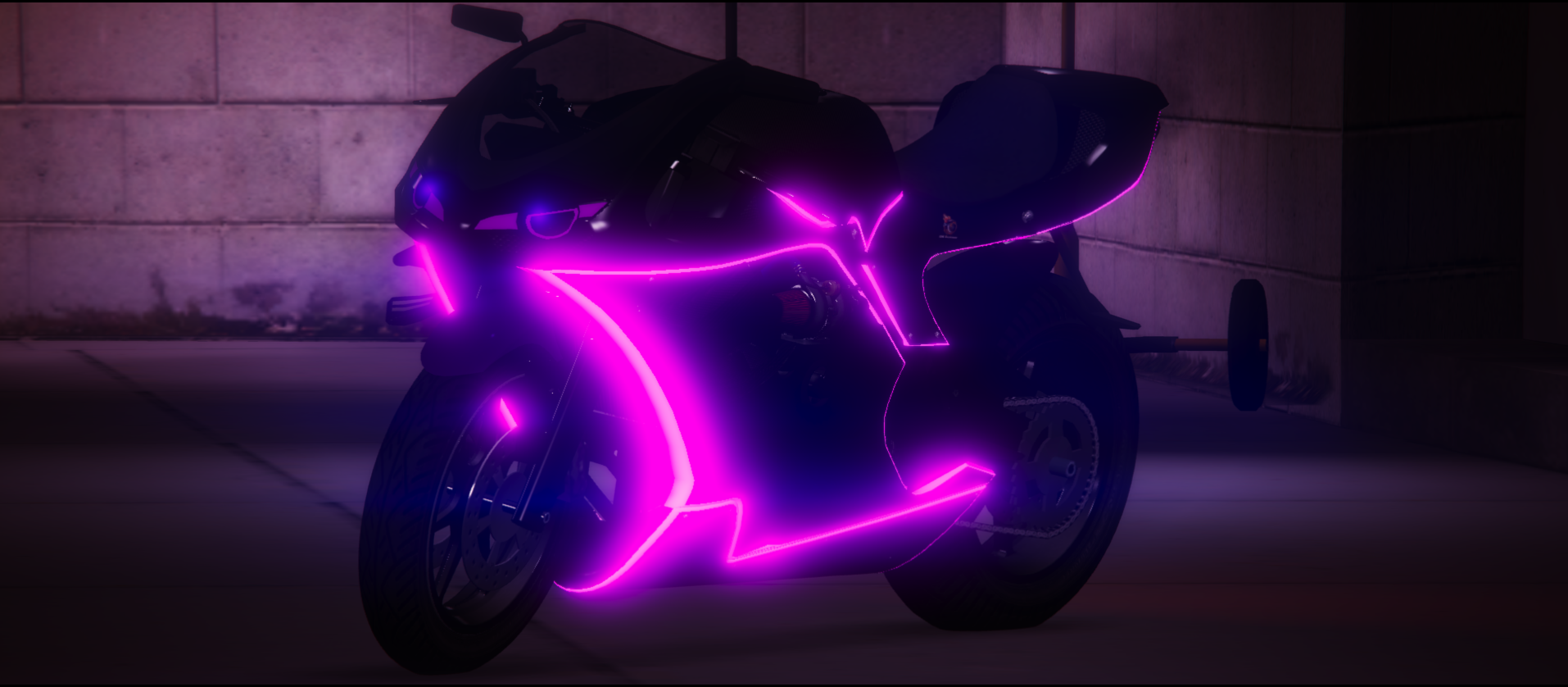
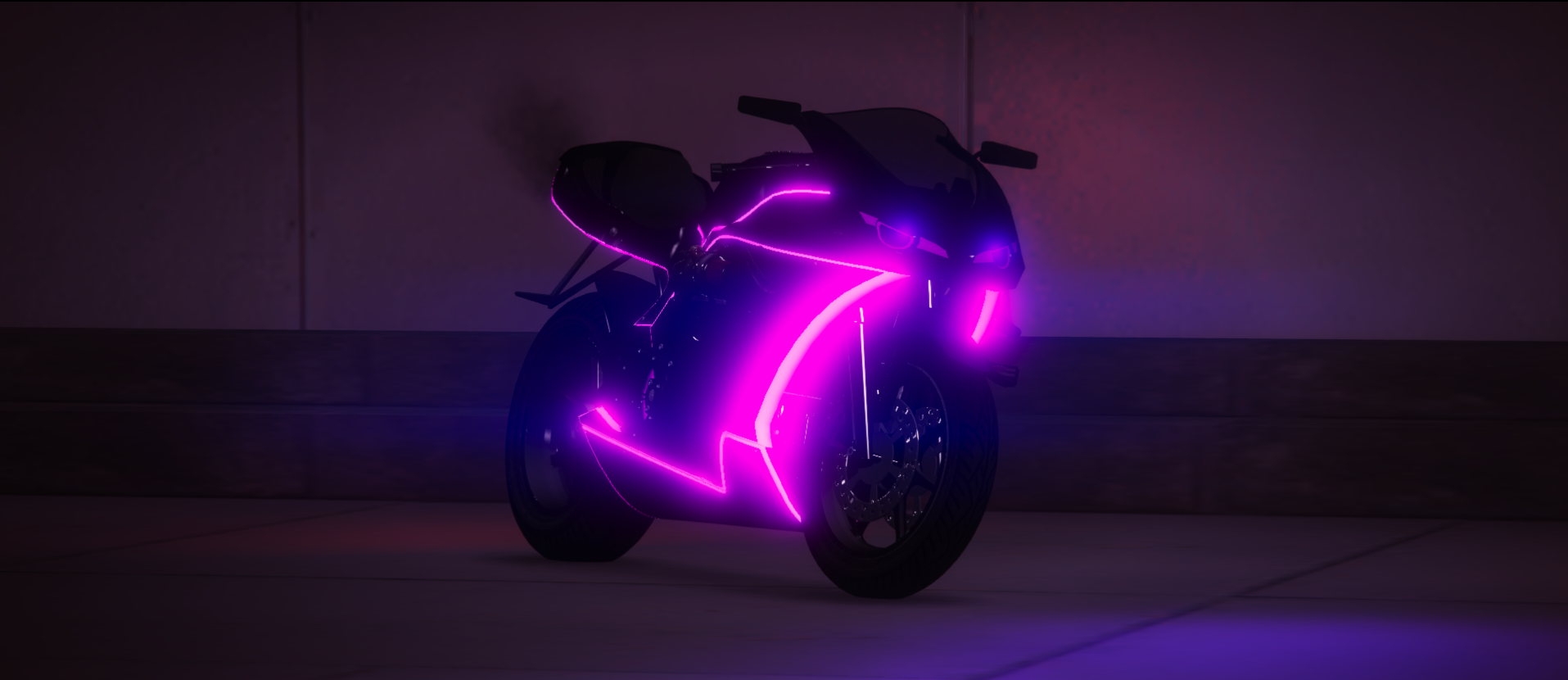
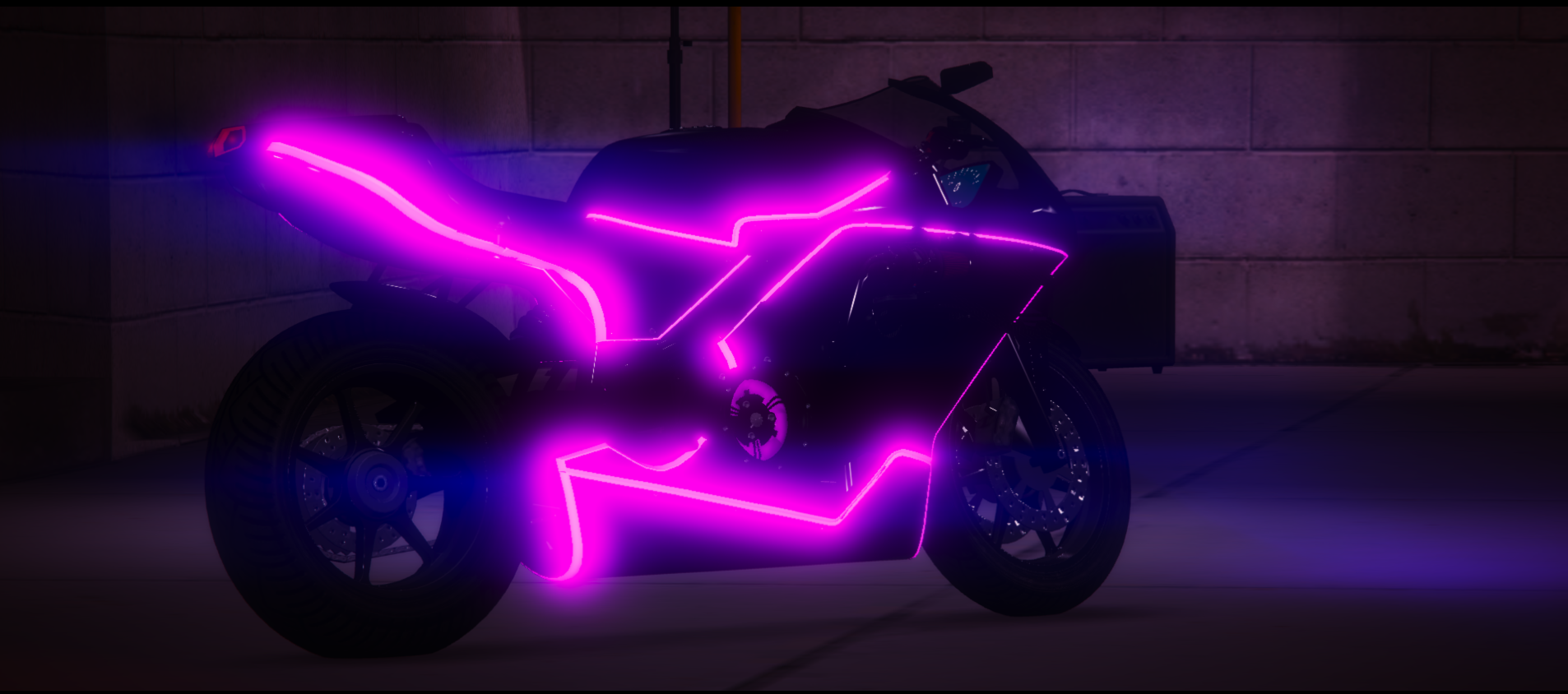
Bati 801 Custom
Want the Lore-Friendly equivalent of a Kawasaki Ninja H2R? Well this bike is for you! This bike is heavily modified to allow for crazy bodywork. The bike comes with LED Light Strips, the "Glowing Ribcage" look with Glowing Tubes & Carbon Fiber bodywork. If you prefer bikes over cars, this bike is 100% the bike for you! Not only is it fast, it's fashion!
This vehicle features a Twin-Turbo & Body Kit with toggleable options via Vehicle Related Options in vMenu.
All vehicles sold on this store come with the same disclaimer;
If items of this package are used to violate the server rules of Southside Roleplay Community (of where the package is utilized), said package can be removed by the executive team with no chance of refunds.
We hold true to our No Refunds policy. All income/earnings made from this store front are put back into the server.