Jump to content
View in the app

A better way to browse. Learn more.

Southside Roleplay

A full-screen app on your home screen with push notifications, badges and more.

To install this app on iOS and iPadOS
  1. Tap the Share icon in Safari
  2. Scroll the menu and tap Add to Home Screen.
  3. Tap Add in the top-right corner.
To install this app on Android
  1. Tap the 3-dot menu (⋮) in the top-right corner of the browser.
  2. Tap Add to Home screen or Install app.
  3. Confirm by tapping Install.

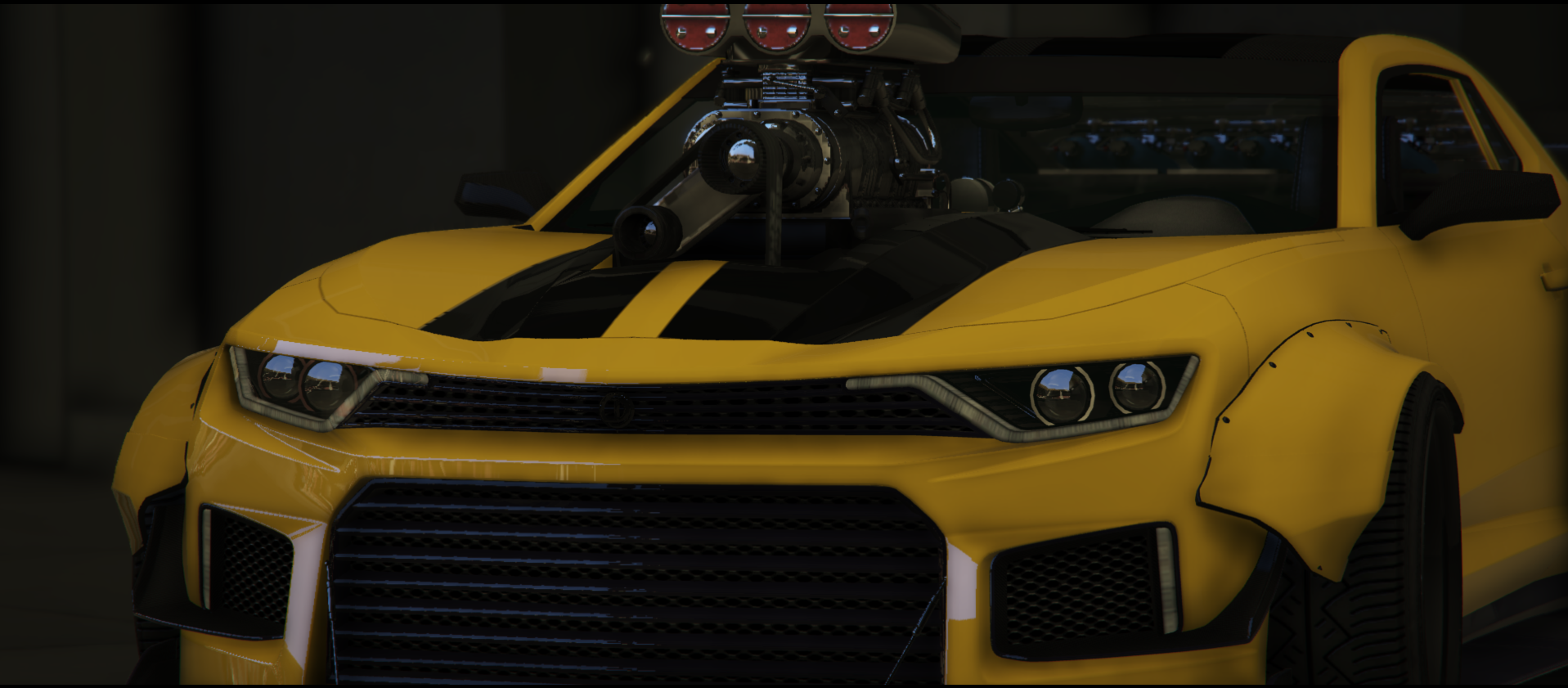
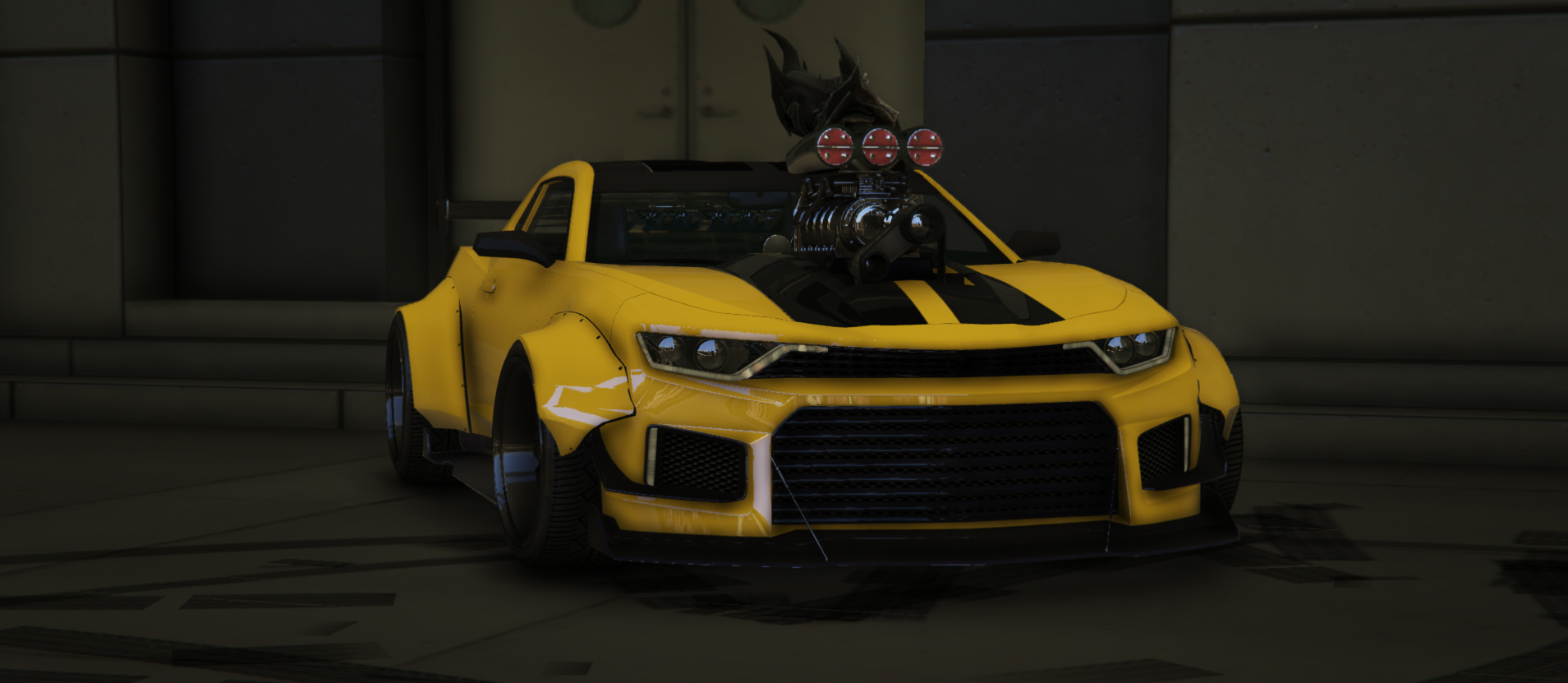
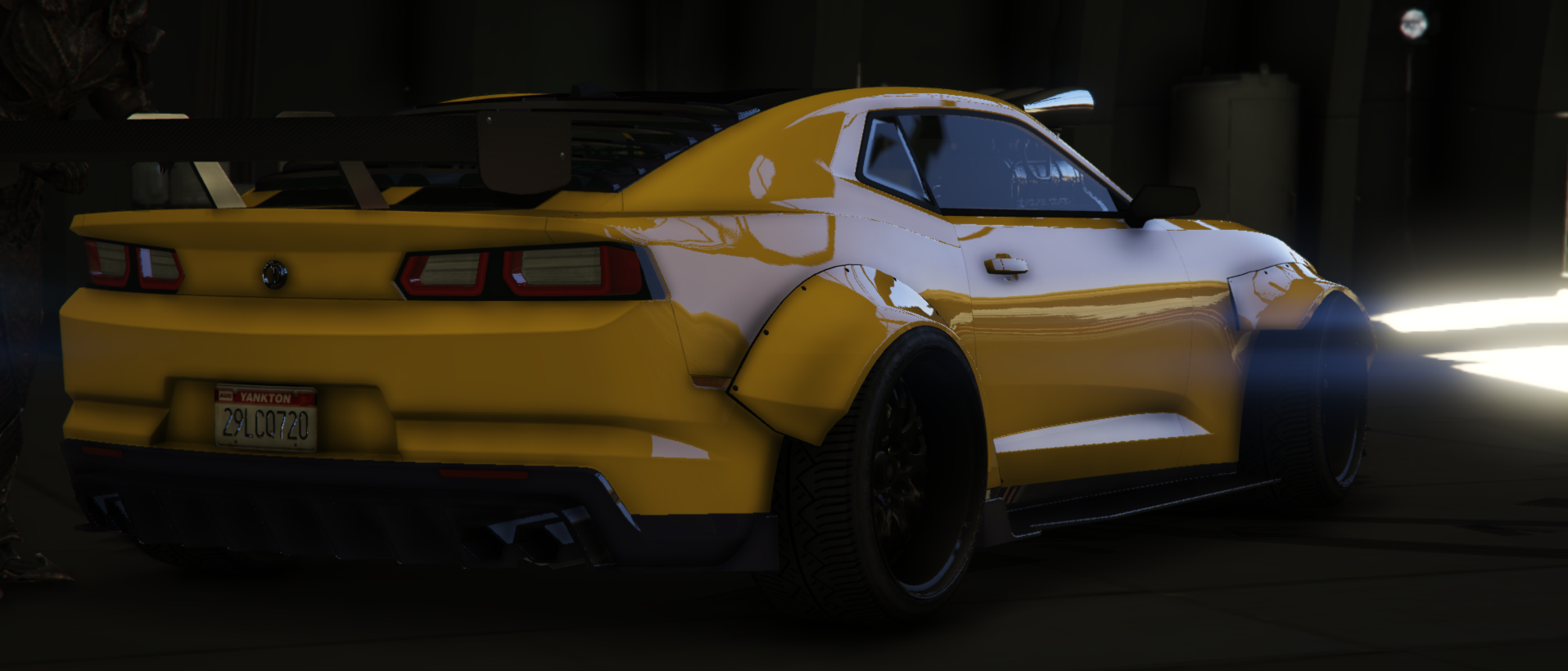
Vigero Custom "Widebody"

$23.25

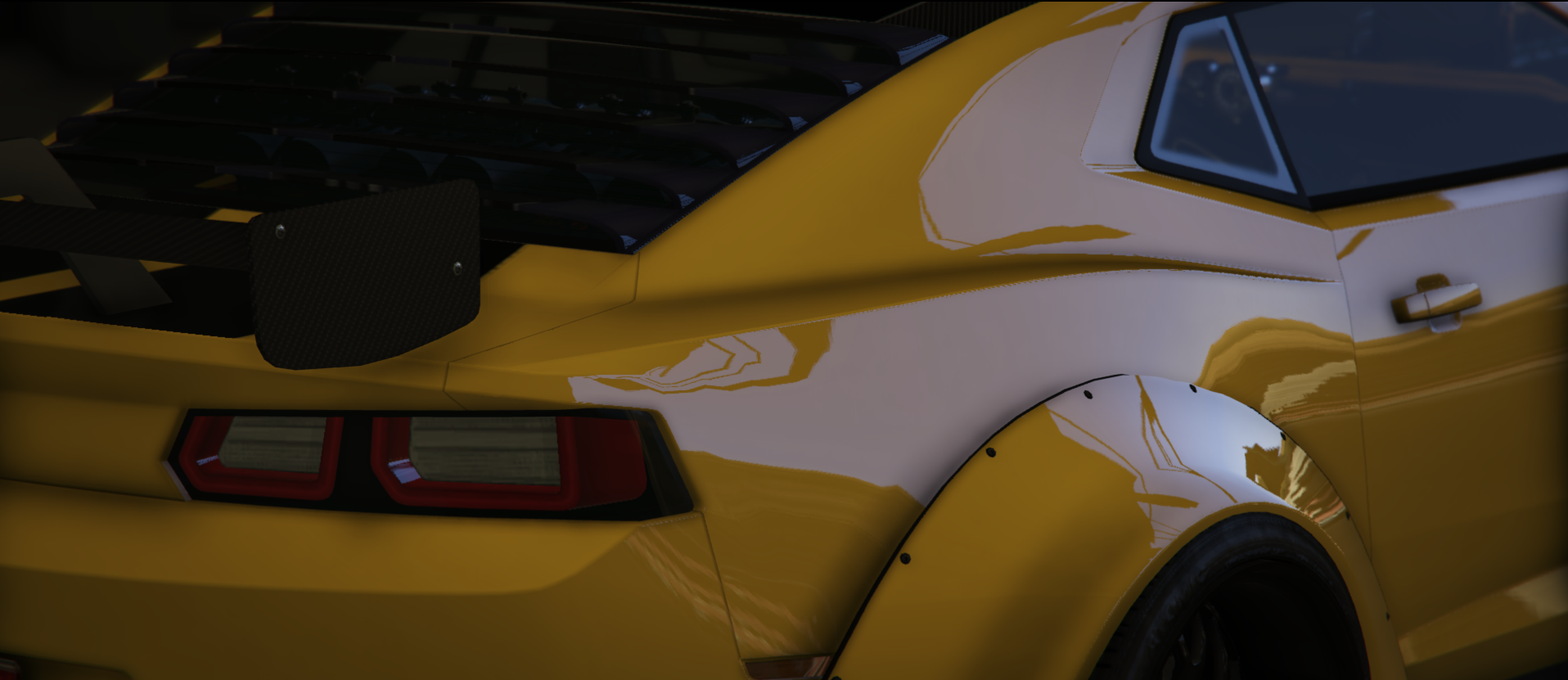
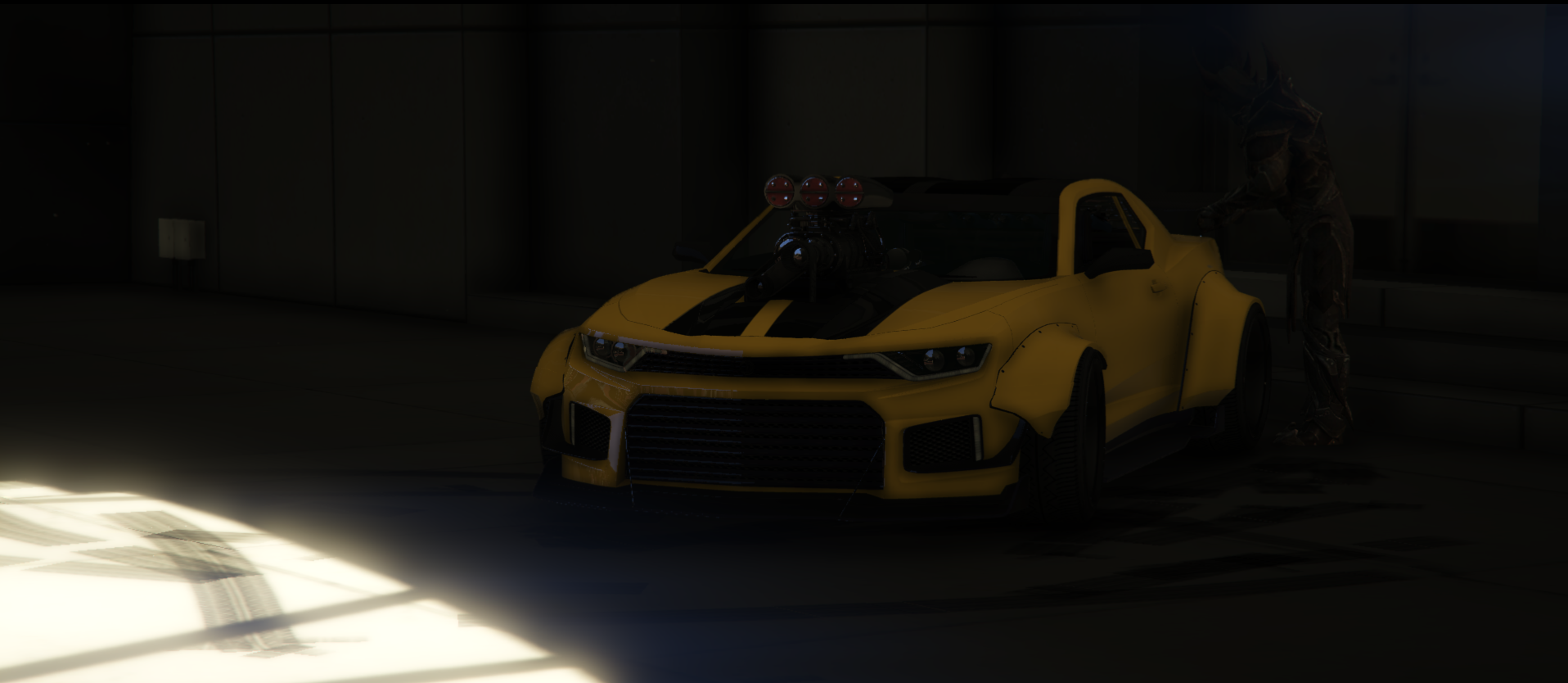
Want to relive your childhood of the Transformers? This Lore-Friendly Camaro does just that! Introducing the Vigero Custom Widebody! You can modify this vehicle a lot via our in-game "Mods Menu" in vMenu! This vehicle has a moving suspension system! With speed, you go higher, you sit on the floor when stationary!

You can access this vehicle via /donator in chat (once you've claimed your roles)

All vehicles sold on this store come with the same disclaimer;

If items of this package are used to violate the server rules of Southside Roleplay Community (of where the package is utilized), said package can be removed by the executive team with no chance of refunds.

We hold true to our No Refunds policy. All income/earnings made from this store front are put back into the server.

Configure browser push notifications

Chrome (Android)
  1. Tap the lock icon next to the address bar.
  2. Tap Permissions → Notifications.
  3. Adjust your preference.
Chrome (Desktop)
  1. Click the padlock icon in the address bar.
  2. Select Site settings.
  3. Find Notifications and adjust your preference.